You poked around your Ansell account settings, hunting for that elusive “delete” button, and came up empty. You’re not imagining things. Ansell doesn’t make account deletion obvious, which is why you’re here.
The good news: getting rid of your Ansell account for good, not just deactivated and forgotten, is possible. You just need the right path. Maybe that’s a quick settings tweak. Maybe it’s an Email to their privacy team. Maybe it’s a phone call, depending on where you’re located.
Below you’ll find every legitimate route to close your account, what actually happens to your data once you do, and the sneaky snags that trip people up along the way. No guesswork, no runaround—just the steps that work.
Before You Delete Your Ansell Account: What You Need to Know
Once your Ansell account is gone, it’s gone. While your account is active, Ansell keeps your information on file per their privacy policy. Hit delete, and most of it disappears too—except what the law requires them to hold onto. There’s no undo button waiting for you a week later.
So before you send that data removal request, grab a few things first:
Order history : SKUs, dates, amounts, shipping addresses, invoices. Save them now, because they won’t be in your dashboard afterward.
Warranty and product registration records : serial numbers and claims documentation may not survive account deletion.
Contact details : email, phone, company purchasing contacts. Park these in your own CRM if your business relies on them.
Deleting your account is not the same as unsubscribing from marketing emails. If you’re just tired of the newsletter, hit “unsubscribe” at the bottom of any email—done in seconds. If you want Ansell to fully sever the data relationship, that’s when you request account deletion.
Method 1: Delete Ansell Account via Privacy Settings (Self-Service)
Self-service deletion exists, but not everywhere. Ansell doesn’t advertise it.
Ansell’s global privacy policy says: “For some products and services, you can delete your account yourself by going to the privacy settings page.” Start there.
The self-service path:
Log into your Ansell account.
Go to Account Settings .
Click into Privacy Settings .
Look for a delete or “remove account” button.
Confirm the deletion request.
Simple in theory. In practice, that button shows up only “for some products and services.” Not every Ansell site version has it. Whether you see it depends on which regional storefront or product portal you’re logged into.
Global site vs. US site: a real difference
Ansell’s international policy describes the privacy settings path. The US version is looser: it says deletion is possible “directly through your account” or by emailing [email protected]. No mention of a specific button. If you’re on the US site and can’t find a delete option, that’s the policy working as written.
If the button’s missing
The policy hints at the next step with the phrase “consulting the privacy settings page (if available).” That parenthetical means this feature might not exist for you. If it’s missing, email [email protected]. That’s the documented fallback.
Automatic cleanup after 2 years
Even if you never touch the delete button, Ansell’s policy includes a quiet cleanup rule: if you haven’t used your account in 2 years, they may mark it inactive and delete or anonymize your personal data on their own. So inaction leads somewhere too, but not on your timeline and not necessarily with confirmation.
If self-service isn’t available on your version of the site, don’t keep clicking around. Move to Method 2.
Method 2: Request Account Deletion via Email ([email protected])
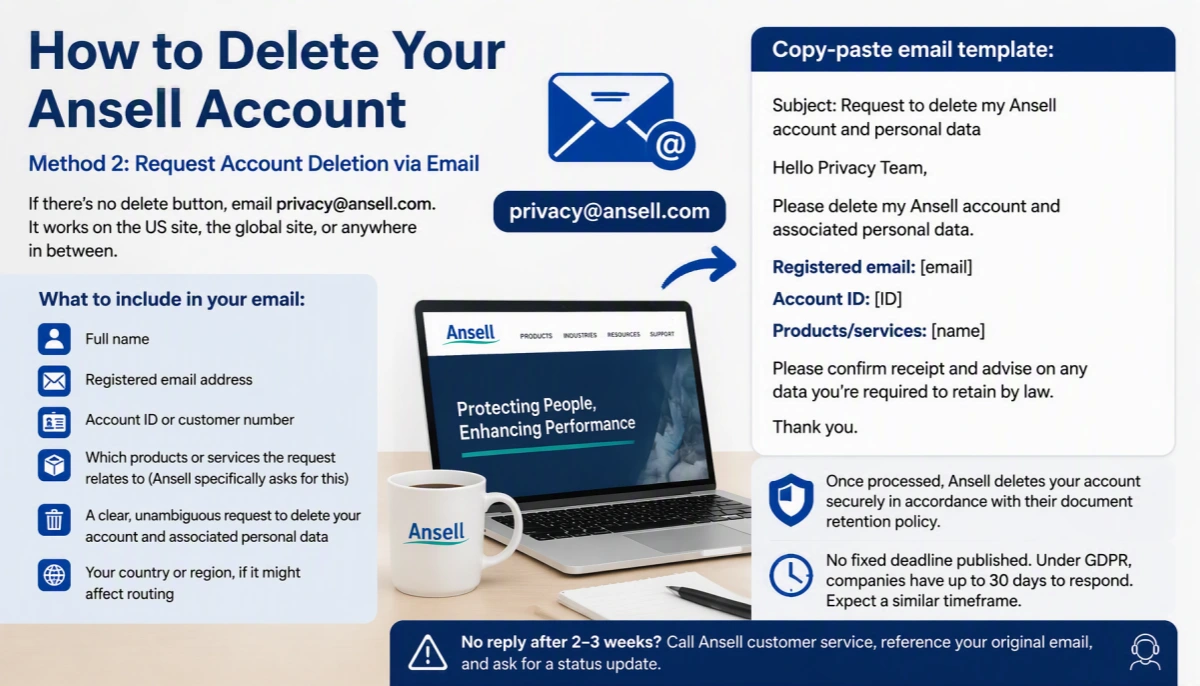
If there’s no delete button, email [email protected]. That workaround actually works every time, no matter which Ansell site version you’re stuck with.
Email [email protected]. That’s the address Ansell designates for deletion and data rights requests, full stop. It works on the US site, the global site, or anywhere in between.
What to include in your email:
Full name
Registered email address
Account ID or customer number
Which products or services the request relates to (Ansell specifically asks for this)
A clear, unambiguous request to delete your account and associated personal data
Your country or region, if it might affect routing
The third bullet is critical. Ansell’s policy explicitly says to name the products or services involved. Skip it, and you risk a slower back-and-forth while support tries to figure out what you actually want deleted.
Copy-paste template:
Subject: Request to delete my Ansell account and personal data
Hello Privacy Team,
Please delete my Ansell account and associated personal data.
Registered email: [email]
Account ID: [ID]
Products/services: [name]Please confirm receipt and advise on any data you’re required to retain by law.
Thank you.
Once Ansell processes the request, they delete your account “securely in accordance with their document retention policy.” That means gone, except for whatever a regulator or law requires them to keep.
How long will it take? Ansell’s privacy policy doesn’t publish a fixed deadline. There’s no 5-day promise or 10-day SLA. The closest real-world benchmark is GDPR , which sets a 30-day response window for deletion-rights requests. Most companies with EU obligations treat that as their operating standard. Expect something in that range.
If you don’t get a reply after two or three weeks, don’t just keep waiting. Phone Ansell customer service directly, reference your original email, and ask for a status update.
Method 3: Contact Ansell Support by Phone or Mail (Regional Numbers)
Some people just don’t want to email. They want a human on the line, or a paper trail with a stamp on it. Ansell’s privacy policy lets you make requests by phone or mail, not just email. Same rights, different door.
Regional phone lines for privacy requests:
North America : +1-800-800-0444
APAC : +613 9270 7270
AU/NZ : +1800 337 041
EMEA : +32 2 528 74 00
Call the number for your region, not a random one you found first. Routing matters here.
What to have ready before you dial:
Ansell’s published privacy text doesn’t spell out phone-verification questions. No script exists. So use this as your working checklist: full name, region or country, the product or service involved, a callback number, and a plain-language description of what you’re asking for—account deletion, in this case.
Mailing Your Request
Prefer paper? Ansell accepts that too, though the instructions are thin. The only explicit privacy-mail guidance published is on the Australian address: mark it ATTN: PRIVACY.
Regional addresses:
APAC/Australia : Level 3, 678 Victoria Street, Richmond VIC 3121, Australia — ATTN: PRIVACY
North America : 111 Wood Avenue, Suite 900, Iselin, NJ 08830, United States
EMEA : Riverside Business Park – Block J, Boulevard International 55, B-1070 Brussels, Belgium
Latin America : Ansell Commercial México, Blvd. Bernardo Quintana 7001-C, Q7001 Torre 2, Suites 1304-1306 Centro Sur, Querétaro, Qro. 76090, México
Phone is faster for quick requests and clarification. Mail wins when you want something written, formal, dated. Pick whichever fits your patience level.
What Happens After You Submit a Deletion Request?
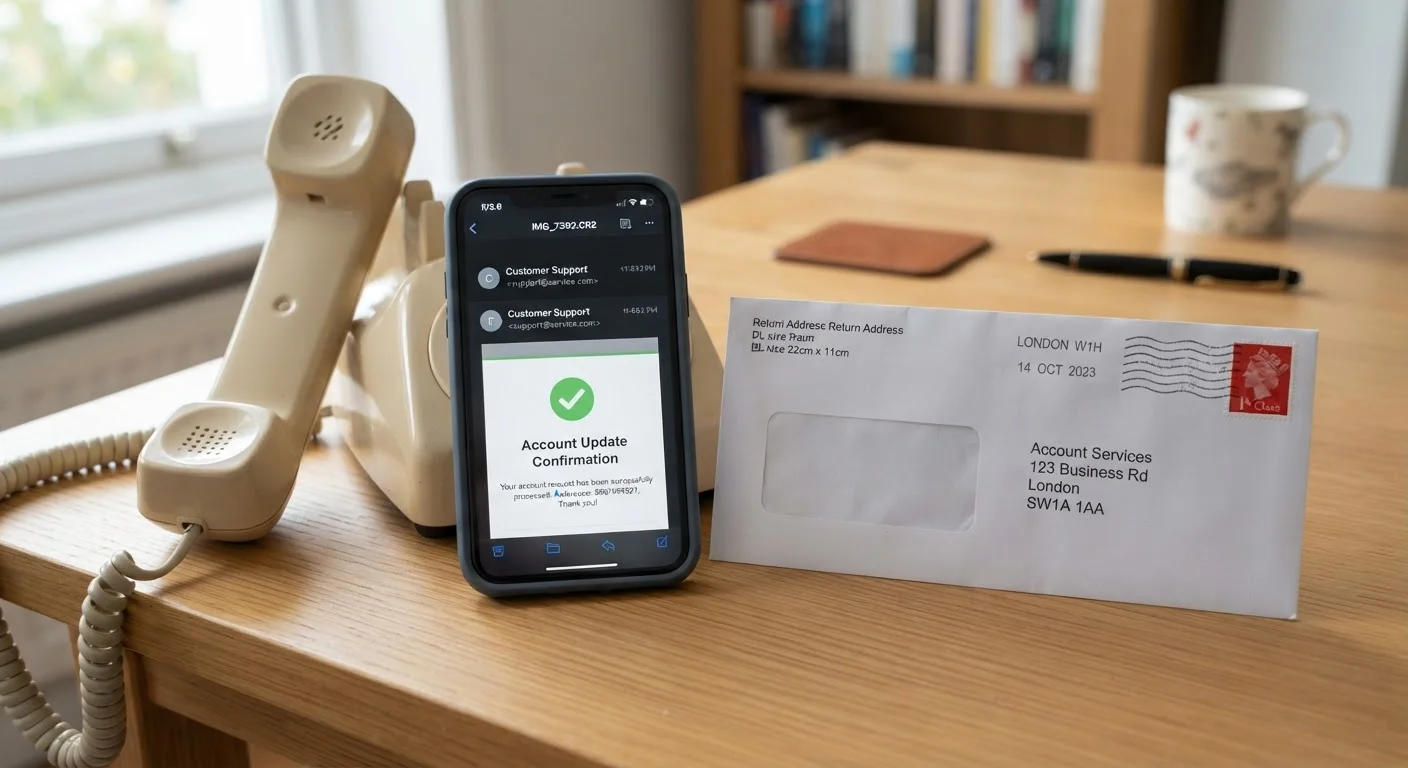
A confirmation is the goal.
Once Ansell processes your request, a confirmation email is the standard practice across most deletion workflows, whether the request came through privacy settings, email, or a phone call. It tells you the request was carried out. In some cases, it also notes whether any third parties who had your data were notified to delete their copies too. Ansell’s policy doesn’t guarantee this exact format, but it’s the industry benchmark. Expect something similar.
What “deleted” actually means:
Your account data is removed, subject to Ansell’s document-retention policy.
If you’re mid-dispute with Ansell, like a warranty claim or a legal issue, your data sticks around longer. Retention continues until every legal remedy is exhausted. This exception is baked into the privacy policy itself.
Anything Ansell is legally required to hold onto stays, regardless of your request.
On timing: there’s no published Ansell-specific countdown. But 30 days is the closest real-world benchmark for these kinds of privacy workflows. If you’re an inactive user hitting the 2-year mark, some systems send a 30-day pre-deletion notice first. It’s a last chance to reactivate before anonymization kicks in.
Common Issues When Trying to Cancel or Close Your Ansell Account
Most people assume “delete” means “instantly gone forever.” Ansell’s policy tells a messier story.
The Instant Erasure Myth
Your account closes when you submit the request. That part’s real. But Ansell’s own language carves out an exception: anything they’re legally required to keep—tax records, audit trails, compliance documentation—sticks around. So the visible profile disappears, while some order history, invoices, or transaction records may quietly live on in Ansell’s archives.
B2B and Enterprise Accounts: A Different Animal
Running a business account? Ansell maintains a separate B2B login and password system, which hints at a different deletion path entirely. There’s no published step-by-step for enterprise closures. Your safest bet: skip self-service and call customer service directly at 800-800-0444 (or +1 732 345 5400 for other inquiries). Company purchasing records often need retention for compliance reasons.
Starting Fresh Won’t Bring Back the Past
Thinking about re-registering later? Don’t expect your old history to reappear. A new signup means a new profile, verified from scratch. Nothing suggests Ansell restores prior order data or account activity once deletion is processed.
Alternative: Deactivate vs Permanently Delete Your Ansell Profile
Deletion isn’t your only move. Sometimes doing nothing at all is smarter.
Ansell’s privacy policy draws a clear line: an active account keeps your data on file, period. There’s no “deactivate” button next to a delete button in your account settings. Instead, the policy runs on a timer. Stop logging in, stop ordering, stop touching the account for two years, and Ansell may flag you as inactive on its own. From there, your personal data gets anonymized or deleted, without you lifting a finger.
That’s as close to deactivation as Ansell gets. No formal request, no email to [email protected], no confirmation screen. Just time.
So which path fits you?
Want the account fully gone now? Submit a data removal request. Your profile and personal data get wiped, minus whatever legal retention requires.
Might need warranty records, order history, or repeat purchases later? Leave the account alone. Let it sit active or dormant.
Sick of promotional emails? Skip deletion. Unsubscribe instead,keep your Ansell account intact for support and invoices.
Membership cancellation isn’t one-size-fits-all. Pick the option that matches what you actually need gone.
Conclusion
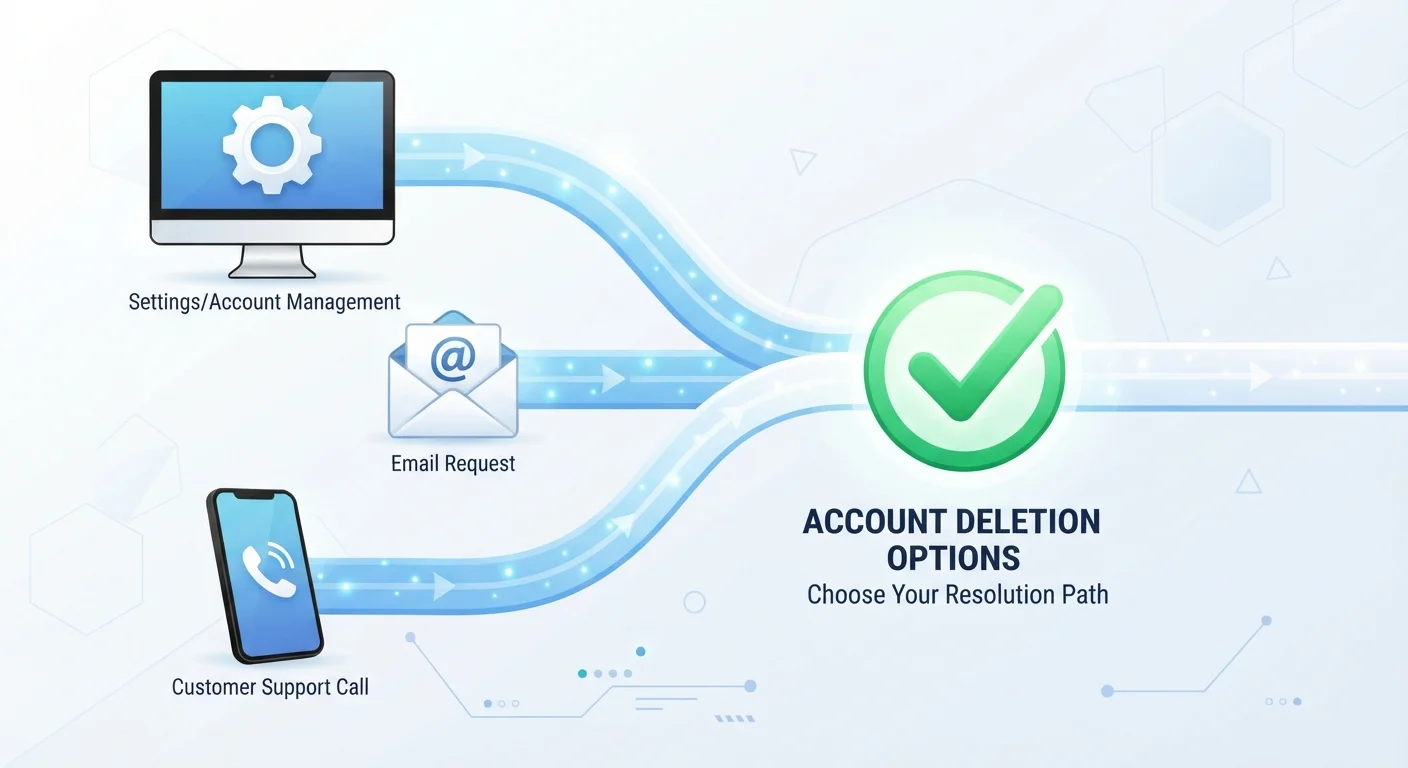
Deleting your Ansell account isn’t a shot in the dark. You have three options: delete it yourself in account settings, email [email protected], or call them. You also know roughly how long each route takes.
If you’re not ready to fully leave, deactivating is a solid middle ground. When you are, the steps above make sure your data disappears, not just your login screen.
Pick a method, send the request today, and get the closure you want.